Free QR Code Generator With No Sign-Up and No Expiration
You want a QR code, not another account. This guide explains what “no sign-up” and “no expiration” really mean, why some free QR codes stop working, and how to make one that lasts.
What “no sign-up, no expiration” really means
A no sign-up QR code generator lets you create and download a code without an account or an email address. A no expiration QR code keeps working for as long as the content it points to exists.
The second promise depends on one detail: whether the code is static or dynamic.
- Static QR code: the data sits inside the pattern itself. No server is involved, so the code cannot expire.
- Dynamic QR code: the pattern holds a short link that a company redirects to your real page. If that company turns the redirect off, the code stops working.
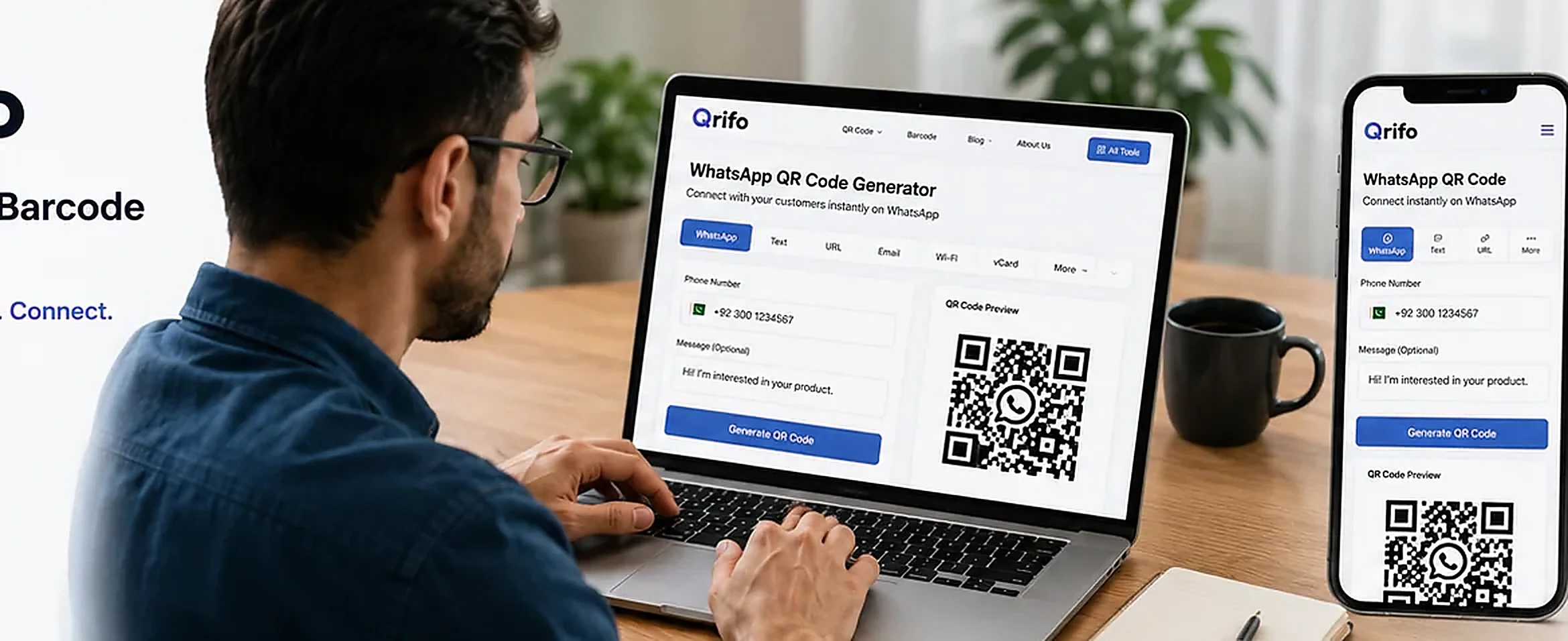
Why some “free” QR codes stop working
Many free trials create dynamic codes. They work during the trial. Then the plan ends, and every code you printed redirects to an upgrade page or fails.
This hurts most when the code is already printed on menus, packaging or posters. You can’t edit the printed pattern, so you must reprint.
| Type | Needs an account? | Can expire? | Can track scans? |
|---|---|---|---|
| Static | No | No | No |
| Dynamic (free trial) | Usually yes | Yes, when the trial ends | Yes |
| Dynamic (paid) | Yes | Yes, if you stop paying | Yes |
Want the full comparison? Read static vs dynamic QR codes.
7 checks before you trust a free QR code generator
- Does it ask for an email before you download? A truly no sign-up tool doesn’t.
- Does it say “static” anywhere? If it never mentions the type, scan your test code and look for a short link from the provider.
- Can you download SVG? SVG scales for print without blur. See QR code size for printing.
- Is there a watermark or a scan limit? Neither should exist on a free static code.
- Where is the code created? Browser-based tools keep your data on your device. Qrifo works this way.
- Does it have a privacy policy? Read what it collects. Ours is on the Privacy Policy page.
- Does your test scan work on two phones? Always test before you print.
How to make a QR code with no sign-up in 4 steps
- Pick a type. Open the Qrifo QR code generator, or jump straight to URL, WiFi, WhatsApp, contact card, email, phone or text.
- Enter your details. The code appears instantly as you type.
- Choose style and size. Keep a dark code on a light background. Leave error correction on Medium unless you plan to add a logo or print on rough surfaces.
- Download and test. Save PNG for screens or SVG for print, then scan it with your phone before you share it.
New to this? Our beginner’s guide to creating a QR code walks through each type.
What a free static QR code cannot do
Static codes are simple on purpose. They cannot be edited after you create them, and they cannot report how many people scanned them.
You can work around the first limit. Point the code to a page you control, such as yoursite.com/menu. Later, change what that page shows. The printed code stays the same.
You can’t work around the second limit. If you need scan analytics, you need a dynamic code from a tracking service.
When you should pay for a dynamic QR code
Pay only if you need at least one of these:
- Scan counts, locations or device data for a marketing campaign
- The ability to change the destination of codes already printed
- Scheduled or A/B redirects
For menus, WiFi, contact cards, product links and event signs, a free static code usually does the job. Before you print anything, read the QR code safety guide so your customers feel safe scanning.
Frequently asked questions
Do free QR codes expire?
Static QR codes never expire because the data is inside the pattern. Dynamic QR codes can expire when a provider’s trial or subscription ends.
Is a QR code generator with no sign-up safe?
It can be, if it creates codes in your browser and has a clear privacy policy. Avoid tools that ask for personal details just to download a basic code.
Can I use a free QR code for my business?
Yes. Many businesses use static codes on menus, signs, packaging and business cards. Test the code and keep the destination page online.
Does Qrifo add a watermark or limit scans?
No. Qrifo creates static codes, so there is no scan limit and no expiry. It also can’t track scans.
Try the free tools: Qrifo QR code generator · barcode generator · QR and barcode scanner.
Related guides
More tools: URL QR WiFi QR WhatsApp QR vCard QR Barcode generator