WhatsApp Link Generator: Create a wa.me Link With a Message
Build a WhatsApp click-to-chat link in seconds. Enter a number and an optional message, copy the link, and share it anywhere. Nothing you type leaves your browser.
Create your WhatsApp link (free tool)
Type your number with the country code. Add a first message if you like. Qrifo builds your wa.me link as you type.
Want a scannable version? Open the WhatsApp QR code generator and use the same number and message.
What is a wa.me link?
A wa.me link (also called a click-to-chat link) opens a WhatsApp chat with a number you choose. The person doesn’t need to save your number first. If you add a message, it appears in the chat box ready to send.
The basic format is simple:
https://wa.me/<number>?text=<message>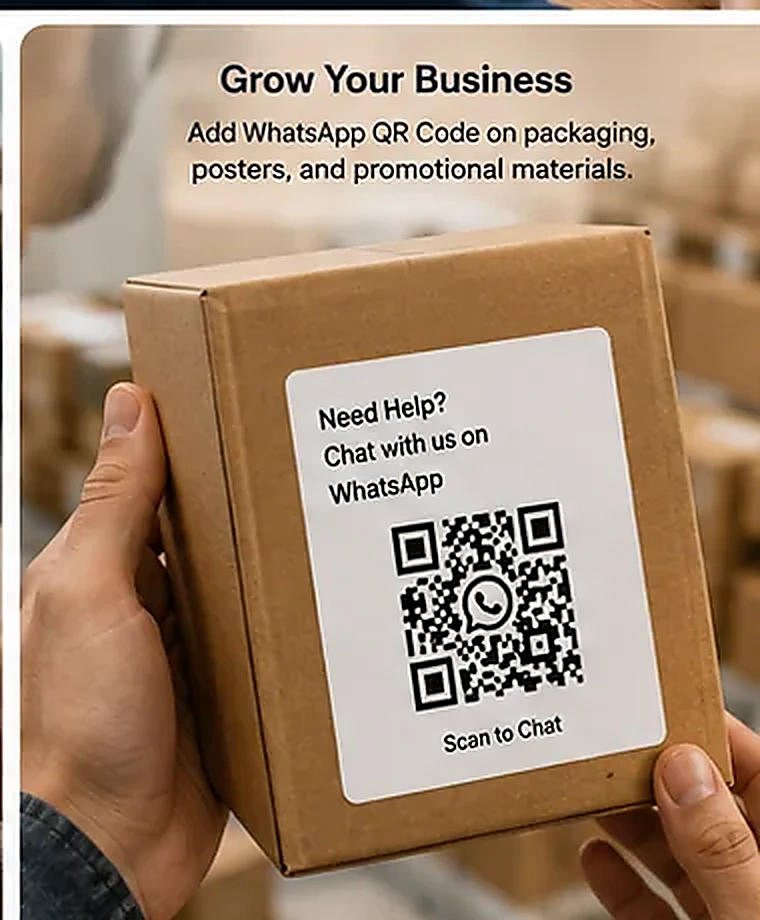
How to write the phone number
Use the full international format with digits only. Remove the plus sign, spaces, dashes, brackets and any leading zeros.
| Country | Code | Local number | Use in the link |
|---|---|---|---|
| USA / Canada | 1 | (212) 555-0142 | 12125550142 |
| United Kingdom | 44 | 07700 900123 (drop the 0) | 447700900123 |
| Pakistan | 92 | 0300 1234567 (drop the 0) | 923001234567 |
| India | 91 | 98765 43210 | 919876543210 |
| UAE | 971 | 050 123 4567 (drop the 0) | 971501234567 |
| Saudi Arabia | 966 | 050 123 4567 (drop the 0) | 966501234567 |
How to add a pre-filled message
Add ?text= after the number, then write your message. Spaces and special characters must be URL-encoded. The generator above does this for you.
| Character | Encoded as |
|---|---|
| Space | %20 |
| New line | %0A |
| & | %26 |
| ? | %3F |
| # | %23 |
| % | %25 |
Example: https://wa.me/12125550142?text=Hi!%20I%20would%20like%20to%20ask%20about%20your%20menu.
Message tips: keep it short, name the source (“Hi, I saw your menu”), and avoid private details. Different messages for different placements show you which one works.
Where to use your WhatsApp link
- Instagram, Facebook and TikTok bio links
- A “Chat with us” button on your website
- Email signatures and invoices
- Google Business Profile and social posts
- SMS replies and printed material, as a QR code
WhatsApp link vs QR code: which should you use?
- Use a link when people read your message on a screen. They can tap it.
- Use a QR code when your message is on paper or on someone else’s screen. They scan it with another phone.
Planning a printed code? Read our guide to the WhatsApp QR code for business and check QR code size for printing.
Link not working? Quick fixes
- Remove the plus sign, spaces and leading zeros from the number.
- Check that the country code is correct.
- Make sure the number is registered on WhatsApp.
- Test the link on a phone and on a computer.
Frequently asked questions
Is this WhatsApp link generator free?
Yes. It is free and needs no sign-up. The link is created in your browser, so Qrifo doesn’t receive your number or message.
Does a wa.me link expire?
No. It is a plain link that works as long as the number stays active on WhatsApp.
Can I add a message to the link?
Yes. Add ?text= followed by the URL-encoded message. The generator does the encoding for you.
How do I make a QR code from a WhatsApp link?
Use the Qrifo WhatsApp QR code generator. Enter the same number and message and download the code as PNG or SVG.
Try the free tools: WhatsApp QR code generator · QR and barcode scanner · QR code generator.
Related guides
- WhatsApp QR code for business
- QR code size for printing
- Static vs dynamic QR codes
- How to create a QR code
More tools: URL QR WiFi QR WhatsApp QR vCard QR Barcode generator